
How to Choose the Right AI Model for Your Project (December 2025)

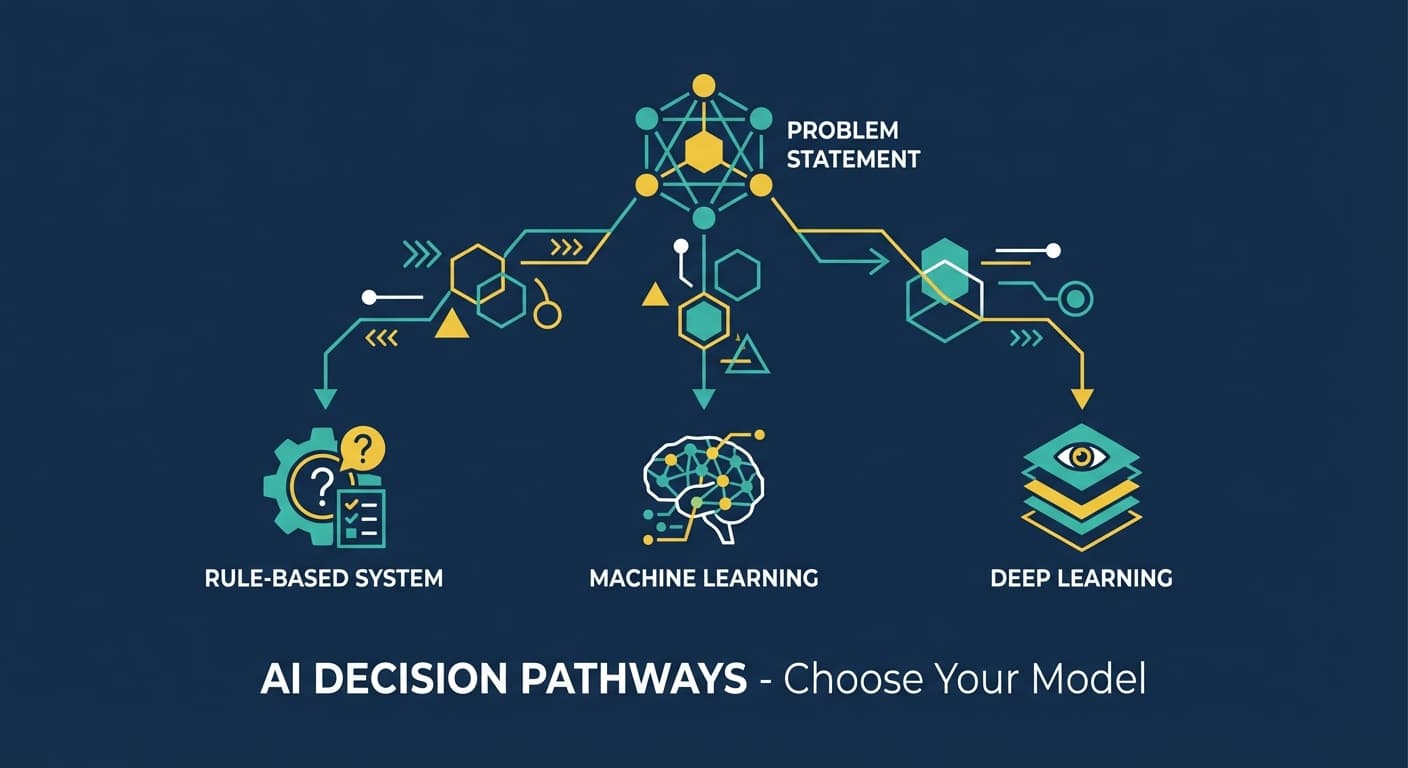
You've got three frontier AI providers, dozens of models, and a project to ship. The internet is full of benchmark comparisons that don't tell you what you actually need to know:
Which model should I use for THIS project?
After building AI features across dozens of projects, I've developed a decision framework that cuts through the noise. By the end of this post, you'll know exactly which model fits your needs—and why.
The Three Providers in 30 Seconds
OpenAI (GPT-5 family): The ecosystem leader. Best documentation, largest community, aggressive pricing since August 2025. When in doubt, start here.
Anthropic (Claude family): The coding and safety leader. State-of-the-art on real-world software engineering benchmarks. Best computer use capabilities. Created the MCP standard now used industry-wide.
Google (Gemini family): The scale and multimodal leader. Massive 1M token context windows. Native image/video/audio processing. Most cost-effective at extreme volume.
All three are excellent. The right choice depends on your specific constraints.
The Decision Framework
Answer these four questions in order. Each narrows your options until the right model becomes obvious.
Question 1: What's Your Primary Use Case?
Coding and software engineering
→ Claude Sonnet 4.5 or GPT-5
Sonnet 4.5 is state-of-the-art on SWE-bench Verified, the benchmark for real-world software engineering. It maintains focus for 30+ hours on complex multi-step tasks. GPT-5 scores 74.9% on the same benchmark with excellent efficiency. Both are exceptional—try both on your actual codebase and see which produces better results for your stack.
Budget option: Claude Haiku 4.5 scores 73.3% on SWE-bench—genuinely impressive for a "budget" model. Consider it for code review pipelines and less critical coding tasks.
Customer-facing chatbot or assistant
→ GPT-5 mini or Claude Haiku 4.5
You need fast responses, reasonable quality, and manageable costs at scale. GPT-5 mini gives you 80% of GPT-5's capability at 20% of the cost. Haiku 4.5 offers strong reasoning and excellent instruction-following at competitive rates.
If brand matters: GPT-5 mini. "Powered by ChatGPT" still carries recognition.
Document analysis and research
→ Gemini 3 Pro (large documents) or Claude Sonnet 4.5 (complex analysis)
If you're processing documents over 200K tokens, Gemini's 1M token context window is your only option for single-call processing. For smaller documents requiring deep analysis, Claude Sonnet 4.5's reasoning quality often produces better insights.
Multimodal (images, video, audio)
→ Gemini 3 Pro or Gemini 2.5 Flash
Google designed Gemini for multimodal from the ground up. It handles images, video, and audio more naturally than competitors. Use Gemini 3 Pro for complex analysis, Flash for high-volume processing.
Computer use and browser automation
→ Claude Sonnet 4.5
Not close. Sonnet 4.5 leads OSWorld (real-world computer tasks) at 61.4%—up from 42.2% just four months ago. It can navigate browsers, fill spreadsheets, and complete multi-step automation workflows.
Classification, routing, preprocessing
→ GPT-5 nano or Gemini 2.5 Flash-Lite
When you need massive throughput at minimal cost, these models deliver. GPT-5 nano at $0.05/$0.40 per million tokens can classify millions of items for pennies.
Agentic workflows (multi-step autonomous tasks)
→ Claude Sonnet 4.5 with MCP or GPT-5 with Responses API
Both excel at agentic work. Claude's advantage is the MCP ecosystem they created. OpenAI's advantage is the mature Responses API and Agents SDK. If you're building with MCP (and you should be), Claude has the edge.
Question 2: What Are Your Context Requirements?
Context window = how much information the model can "see" at once.
Under 128K tokens (most projects)
→ Any provider works. Choose based on other factors.
This covers the vast majority of use cases. A 128K context holds roughly 100,000 words—equivalent to a 300-page book or a substantial codebase.
128K - 200K tokens
→ Anthropic Claude or Google Gemini
OpenAI's ChatGPT interface caps at 128K for Pro users (though the API supports more). Claude offers 200K consistently across all models. Gemini offers 1M.
200K - 400K tokens
→ OpenAI GPT-5 API or Google Gemini
GPT-5 via API supports 272K input + 128K output (400K total). Gemini handles up to 1M.
Over 400K tokens
→ Google Gemini 3 Pro (only option)
If you genuinely need to process 500K+ tokens in a single call, Gemini is your only choice. Note: costs increase for contexts over 200K tokens.
A word of caution: Bigger context isn't always better. Research shows models can struggle with information "lost in the middle" of very long contexts. For many tasks, RAG (retrieval-augmented generation) with a smaller context produces better results than cramming everything into a massive context window.
Question 3: What's Your Speed Requirement?
Real-time (< 1 second first token)
→ Claude Haiku 4.5, GPT-5 nano, or Gemini 2.5 Flash-Lite
For real-time applications like autocomplete, chat, or live assistance, you need models optimized for latency. Haiku 4.5 runs 4-5x faster than Sonnet while maintaining strong quality.
Interactive (1-5 seconds acceptable)
→ GPT-5 mini, Claude Sonnet 4.5, or Gemini 2.5 Flash
Most applications fall here. Users accept a brief wait for quality responses.
Batch processing (latency doesn't matter)
→ Any model with batch API (50% discount)
If you're processing overnight or in background jobs, use batch APIs. All three providers offer 50% discounts for async processing. Pick based on quality and cost, not speed.
Long-horizon tasks (hours of sustained work)
→ Claude Sonnet 4.5 or GPT-5.1-Codex-Max
Sonnet 4.5 maintains focus for 30+ hours on complex tasks. GPT-5.1-Codex-Max introduces "compaction" to work coherently across multiple context windows for project-scale refactors.
Question 4: What's Your Quality vs. Cost Tradeoff?
Maximum quality, cost secondary
→ Claude Opus 4.5 ($5/$25 per MTok) or GPT-5 ($1.25/$10 per MTok)
When accuracy matters more than cost—legal analysis, healthcare, financial decisions—use frontier models. GPT-5 offers excellent quality at lower cost than Opus.
Balanced quality and cost (most projects)
→ Claude Sonnet 4.5 ($3/$15 per MTok) or GPT-5 mini ($0.25/$2 per MTok)
The sweet spot for most production applications. Sonnet 4.5 if coding quality matters. GPT-5 mini if you need to optimize costs while maintaining good quality.
Cost-optimized (high volume)
→ GPT-5 nano ($0.05/$0.40 per MTok) or Gemini 2.5 Flash-Lite ($0.10/$0.40 per MTok)
At 10M+ tokens per month, costs add up fast. These models handle high-volume workloads at a fraction of frontier pricing.
Cost-critical (extreme volume)
→ Gemini 2.5 Flash-Lite with batch processing
Combine Flash-Lite's already-low pricing with 50% batch discounts for the absolute lowest cost per token.
Quick Reference by Use Case
Building a coding assistant or code review tool
Primary: Claude Sonnet 4.5 Budget alternative: Claude Haiku 4.5 Why: State-of-the-art SWE-bench performance, sustained focus on long tasks
Building a customer support chatbot
Primary: GPT-5 mini Budget alternative: GPT-5 nano for simple routing, escalate to mini Why: Good quality, fast responses, excellent cost-efficiency, brand recognition
Building a document analysis tool
Primary: Claude Sonnet 4.5 (under 200K tokens) or Gemini 3 Pro (over 200K) Why: Strong reasoning for analysis, massive context when needed
Building a content generation platform
Primary: GPT-5 or Claude Sonnet 4.5 Budget alternative: GPT-5 mini Why: Strong creative capabilities, good instruction-following
Building an automation/RPA tool
Primary: Claude Sonnet 4.5 Why: Best-in-class computer use, strong agentic capabilities
Building a multimodal application
Primary: Gemini 3 Pro (complex) or Gemini 2.5 Flash (high-volume) Why: Native multimodal design, handles images/video/audio seamlessly
Building a high-volume classification pipeline
Primary: GPT-5 nano or Gemini 2.5 Flash-Lite Why: Lowest cost per token, sufficient quality for classification
Building with MCP (recommended for any serious project)
Primary: Claude Sonnet 4.5 Why: Anthropic created MCP, best ecosystem support
The Models I Actually Use
Here's my real setup after building AI features across multiple projects:
Prototyping and experimentation: OpenAI GPT-5
Best documentation, fastest iteration, largest community for troubleshooting.
Production coding features: Claude Sonnet 4.5
The quality difference on real-world coding tasks is noticeable. Worth the slightly higher cost.
High-volume production: GPT-5 mini with nano routing
Use nano to classify and route requests. Simple queries go to nano. Complex queries escalate to mini or full GPT-5.
Document processing at scale: Gemini 2.5 Flash
When I need to process thousands of documents, Gemini's combination of 1M context and competitive pricing wins.
Any new project: MCP from day one
Regardless of which provider I start with, I build integrations with MCP. It costs nothing extra and means I can swap providers without rewriting tooling.
Common Mistakes to Avoid
Mistake 1: Defaulting to the "best" model
Opus 4.5 and GPT-5 are incredible, but they're overkill for most tasks. A well-prompted Haiku or GPT-5 mini often produces equivalent results at 5-10x lower cost.
Mistake 2: Ignoring context window limits until production
Test with realistic data volumes early. Discovering your 300K token documents don't fit in Claude's 200K context window is painful at launch.
Mistake 3: Not using prompt caching
All three providers offer 90% discounts on cached tokens. If your system prompts or common context are repeated, you're leaving money on the table.
Mistake 4: Building provider-specific integrations
MCP exists. Use it. Your future self will thank you when you need to switch providers or use multiple models.
Mistake 5: Benchmarks over real-world testing
Benchmarks inform decisions but don't make them. Always test on YOUR actual use cases with YOUR actual data. A model that scores lower on benchmarks might perform better for your specific task.
What's Next?
You now have a framework for choosing the right AI model. But how much will it actually cost in production?
Next post: AI Costs Explained: How Much Does It Really Cost to Run AI Features?
We'll break down real pricing with actual calculations, show you how caching and batching slash costs, and give you a framework for estimating your monthly AI spend.

Frank Atukunda
Software Engineer documenting my transition to AI Engineering. Building 10x .dev to share what I learn along the way.
Comments (0)
Join the discussion
Sign in with GitHub to leave a comment and connect with other engineers.