
Vercel AI SDK: The Complete Guide for TypeScript Developers

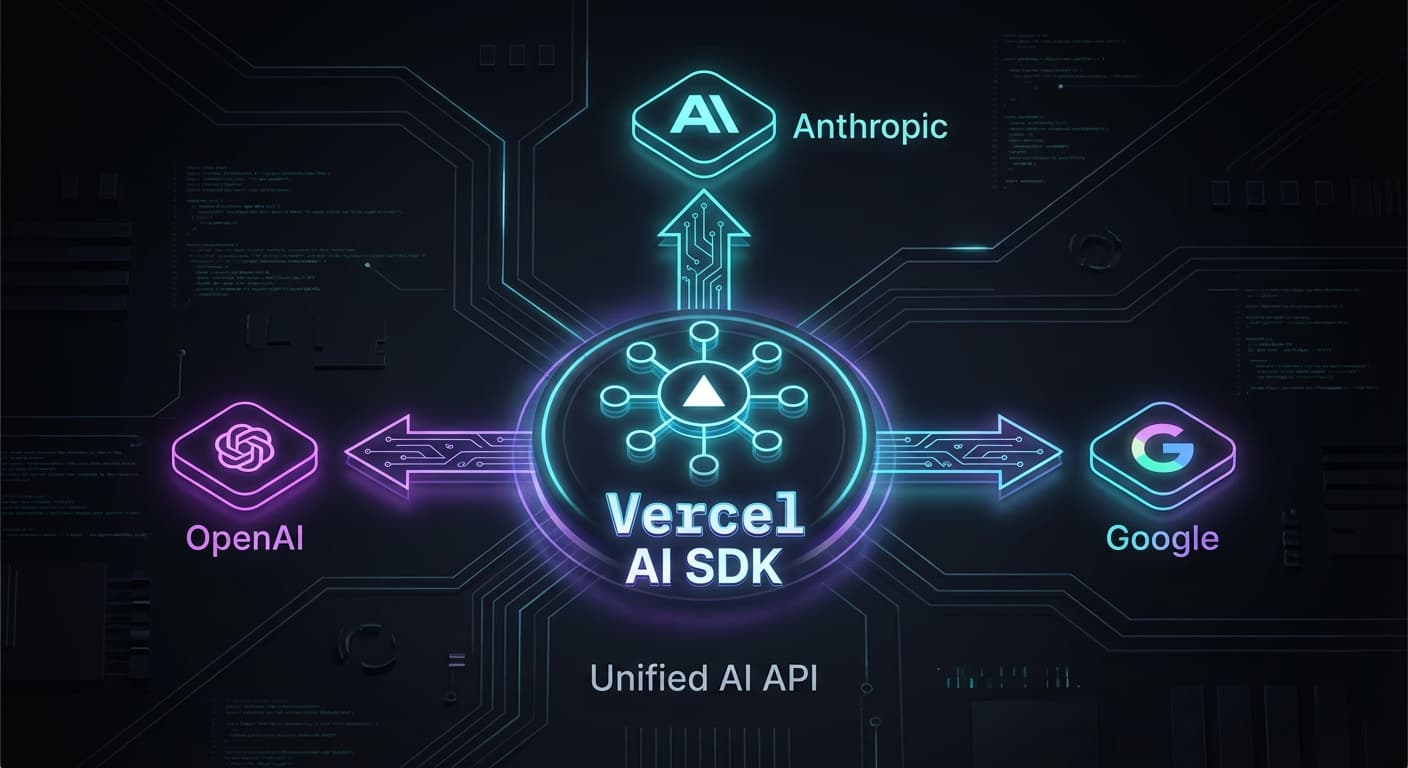
You want to add AI to your app. You open the OpenAI docs. Then the Anthropic docs. Then Google's. Each has a different API, different patterns, different quirks.
There's a better way.
The Vercel AI SDK (version 5.0) is a unified, TypeScript-first toolkit that works with 100+ AI models using the same API. Write your code once, switch providers with one line.
This is the complete guide to the Vercel AI SDK for TypeScript developers.
Why Vercel AI SDK?
The Problem: Every AI provider has a different SDK. OpenAI uses openai.chat.completions.create(). Anthropic uses anthropic.messages.create(). Google uses something else entirely.
The Solution: Vercel AI SDK abstracts all of this into four core functions:
generateText- Simple text generationgenerateObject- Structured data with Zod schemasstreamText- Real-time streaming responsestools- Function calling for agentic workflows
The Benefit: Write your code once. Switch from OpenAI to Claude to Gemini by changing one import.
Setup
Install the SDK and your provider of choice:
npm install ai @ai-sdk/openai zodSet your API key:
# .env
OPENAI_API_KEY=sk-proj-...That's it. You're ready to build.
Core Function 1: generateText
Send a prompt, get a response.
import { generateText } from 'ai';
import { openai } from '@ai-sdk/openai';

const { text } = await generateText({
  model: openai('gpt-4o'),
  prompt: 'Explain quantum computing in simple terms',
});

console.log(text);With System Messages and Conversations
const { text } = await generateText({
  model: openai('gpt-4o'),
  system: 'You are a helpful coding assistant.',
  messages: [
    { role: 'user', content: 'What is TypeScript?' },
    { role: 'assistant', content: 'TypeScript is a typed superset of JavaScript.' },
    { role: 'user', content: 'Why should I use it?' },
  ],
});When to Use: Chatbots, content generation, Q&A, summarization.
Core Function 2: generateObject
Get fully typed objects validated by Zod. No more parsing JSON strings.
import { generateObject } from 'ai';
import { openai } from '@ai-sdk/openai';
import { z } from 'zod';

const { object } = await generateObject({
  model: openai('gpt-4o'),
  schema: z.object({
    name: z.string(),
    age: z.number(),
    email: z.string().email(),
  }),
  prompt: 'Generate a user profile for John Doe, age 30',
});

// Fully typed!
console.log(object.name); // TypeScript knows this is a stringReal-World Example: Data Extraction
const recipeSchema = z.object({
  name: z.string().describe('Recipe name'),
  ingredients: z.array(z.string()),
  prepTime: z.number().describe('Preparation time in minutes'),
});

const { object: recipe } = await generateObject({
  model: openai('gpt-4o'),
  schema: recipeSchema,
  prompt: 'Extract: "Chocolate chip cookies need flour, sugar, butter. Bake 12 min."',
});When to Use: Data extraction, form filling, API responses with strict schemas.
Core Function 3: streamText
Real-time, ChatGPT-style responses.
import { streamText } from 'ai';
import { openai } from '@ai-sdk/openai';

const { textStream } = streamText({
  model: openai('gpt-4o'),
  prompt: 'Write a short story about a robot',
});

for await (const chunk of textStream) {
  process.stdout.write(chunk);
}Next.js Integration
// app/api/chat/route.ts
import { streamText } from 'ai';
import { openai } from '@ai-sdk/openai';

export async function POST(req: Request) {
  const { messages } = await req.json();

  const result = streamText({
    model: openai('gpt-4o'),
    messages,
  });

  return result.toDataStreamResponse();
}// React Component
'use client';
import { useChat } from '@ai-sdk/react';
export default function Chat() {
const { messages, input, handleInputChange, handleSubmit, isLoading } = useChat();
return (
<div>
{messages.map(m => (
<div key={m.id}><strong>{m.role}:</strong> {m.content}</div>
))}
<form onSubmit={handleSubmit}>
<input value={input} onChange={handleInputChange} disabled={isLoading} />
<button type="submit">{isLoading ? 'Thinking...' : 'Send'}</button>
</form>
</div>
);
}When to Use: Chatbots, interactive assistants, long-form generation.
Core Function 4: Tools (Function Calling)
Let the AI call your functions. Essential for agentic workflows.
import { generateText, tool } from 'ai';
import { openai } from '@ai-sdk/openai';
import { z } from 'zod';

const { text, toolResults } = await generateText({
  model: openai('gpt-4o'),
  prompt: 'What is the weather in London?',
  tools: {
    getWeather: tool({
      description: 'Get the current weather for a location',
      parameters: z.object({
        city: z.string().describe('The city name'),
      }),
      execute: async ({ city }) => {
        // Call your weather API here
        return { temperature: 18, condition: 'Cloudy' };
      },
    }),
  },
});

console.log(toolResults); // [{ city: 'London', result: { temperature: 18, condition: 'Cloudy' } }]When to Use: Agentic workflows, API integrations, RAG pipelines.
Multi-Modal: Images and PDFs
Vision and document analysis with the same API.
Image Analysis
const { text } = await generateText({
  model: openai('gpt-4o'),
  messages: [
    {
      role: 'user',
      content: [
        { type: 'text', text: 'What do you see in this image?' },
        { type: 'image', image: imageBuffer },
      ],
    },
  ],
});PDF Analysis
const { text } = await generateText({
  model: openai('gpt-4o'),
  messages: [
    {
      role: 'user',
      content: [
        { type: 'text', text: 'Summarize this document' },
        { type: 'file', data: pdfBuffer, mimeType: 'application/pdf' },
      ],
    },
  ],
});Provider Switching
Switch providers with one import.
// OpenAI
import { openai } from '@ai-sdk/openai';
const model = openai('gpt-4o');

// Anthropic
import { anthropic } from '@ai-sdk/anthropic';
const model = anthropic('claude-3-5-sonnet-20241022');

// Google
import { google } from '@ai-sdk/google';
const model = google('gemini-2.0-flash-exp');

// xAI
import { xai } from '@ai-sdk/xai';
const model = xai('grok-beta');Everything else stays the same. Your schemas, error handling, and streaming logic work across all providers.
Best Practices
Error Handling with Retries
try {
  const { text } = await generateText({
    model: openai('gpt-4o'),
    prompt: 'Hello',
    maxRetries: 3, // Automatic retry with exponential backoff
  });
} catch (error) {
  console.error('AI Error:', error.message);
}Cancellation
const abortController = new AbortController();

const { textStream } = streamText({
  model: openai('gpt-4o'),
  prompt: 'Write a long essay',
  abortSignal: abortController.signal,
});

// User clicks "Stop"
abortController.abort();Cost Tracking
const { text, usage } = await generateText({
  model: openai('gpt-4o'),
  prompt: 'Hello',
});

console.log(`Tokens: ${usage.totalTokens}`);Starter Template
A complete Next.js API route:
// app/api/chat/route.ts
import { streamText } from 'ai';
import { openai } from '@ai-sdk/openai';

export async function POST(req: Request) {
  try {
    const { messages } = await req.json();

    const result = streamText({
      model: openai('gpt-4o'),
      messages,
      temperature: 0.7,
      maxRetries: 3,
    });

    return result.toDataStreamResponse();
  } catch (error) {
    console.error('Chat error:', error);
    return new Response('Internal Server Error', { status: 500 });
  }
}Summary
The 4 Core Functions:
generateText- Simple text generationgenerateObject- Structured data with ZodstreamText- Real-time streamingtools- Function calling for agents
The Superpower: Provider-agnostic. Write once, run anywhere.
Next Steps:
- Read Understanding AI Model Parameters to tune temperature and top_p
- Check Setting Up Your AI Development Environment for a complete project setup
The Vercel AI SDK is the fastest way to add AI to your TypeScript app. Start with generateText, graduate to generateObject, and build agents with tools.
Happy building!

Frank Atukunda
Software Engineer documenting my transition to AI Engineering. Building 10x .dev to share what I learn along the way.
Comments (0)
Join the discussion
Sign in with GitHub to leave a comment and connect with other engineers.